Editorial note: This assessment draws on published product information. We have not physically tested this product. No brand has paid for this article. Affiliate disclosure.
At a glance
- Model
- 13-inch, M2 (2022)
- Display
- 13.6-inch Liquid Retina
- Weight
- 1.24 kg
- Connections
- MagSafe 3, two Thunderbolt / USB 4 ports
Pros
- Portable design suits a bag-first workday
- MagSafe leaves USB ports available for accessories
- A practical screen size for writing and browsing
Cons
- One native external display is restrictive
- Memory and storage must be chosen before purchase
- Older stock needs careful battery and warranty checks
The appeal is focus
The M2 MacBook Air makes the most sense when a laptop is a daily companion rather than a substitute for a workstation. The buying question is not whether a newer chip exists. It is whether this configuration, at the price available to you, can handle your actual work without adding weight or complexity. For writing, studying, and browser-based work, portability can matter more than a small difference in peak performance.
Our assessment is based on Apple’s published specifications and the trade-offs they imply. We have not measured performance, battery endurance, temperature, or display accuracy on a review unit. In particular, an advertised battery figure should not be treated as a promise for your mix of video calls, applications, and brightness settings.
A useful size, with limits at the desk
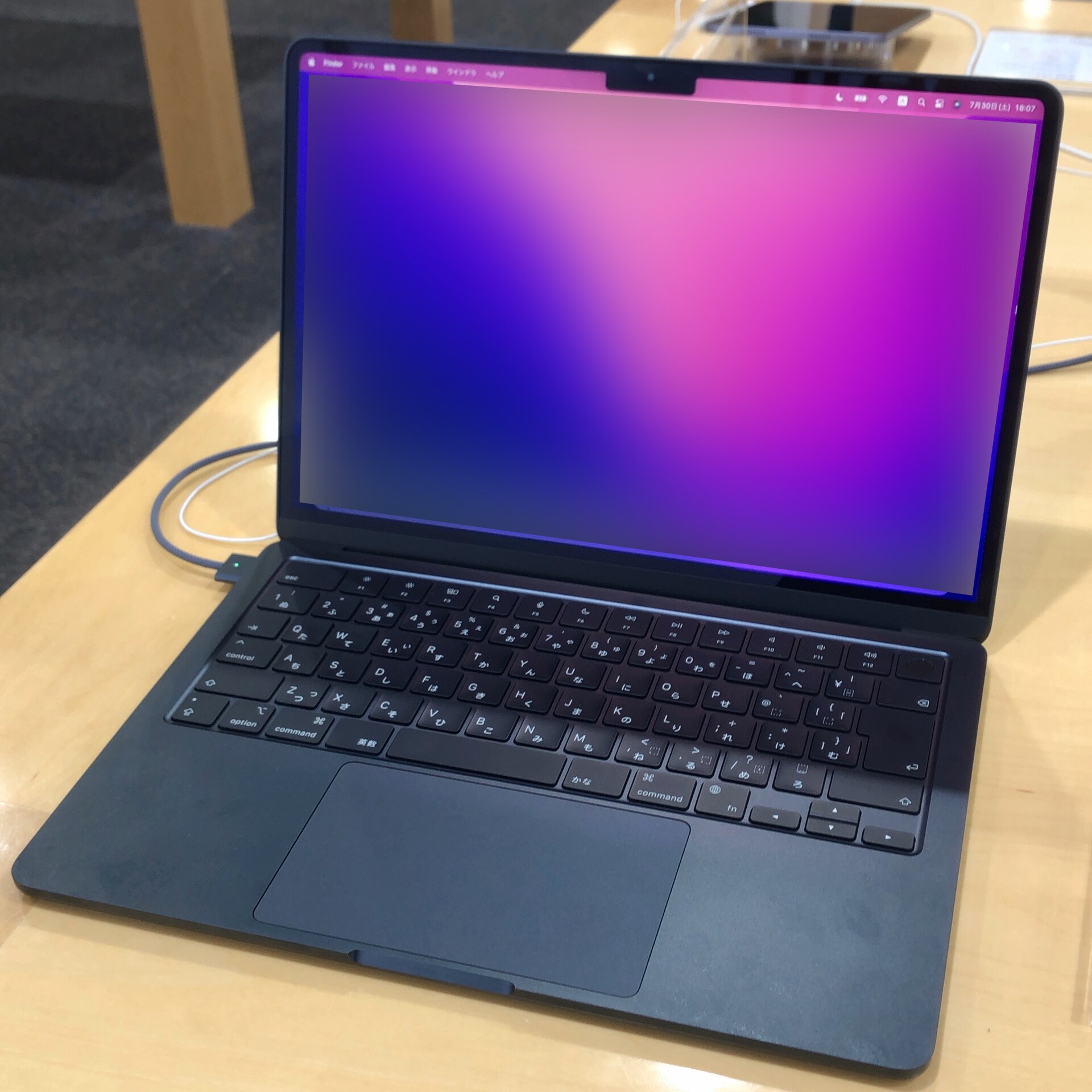
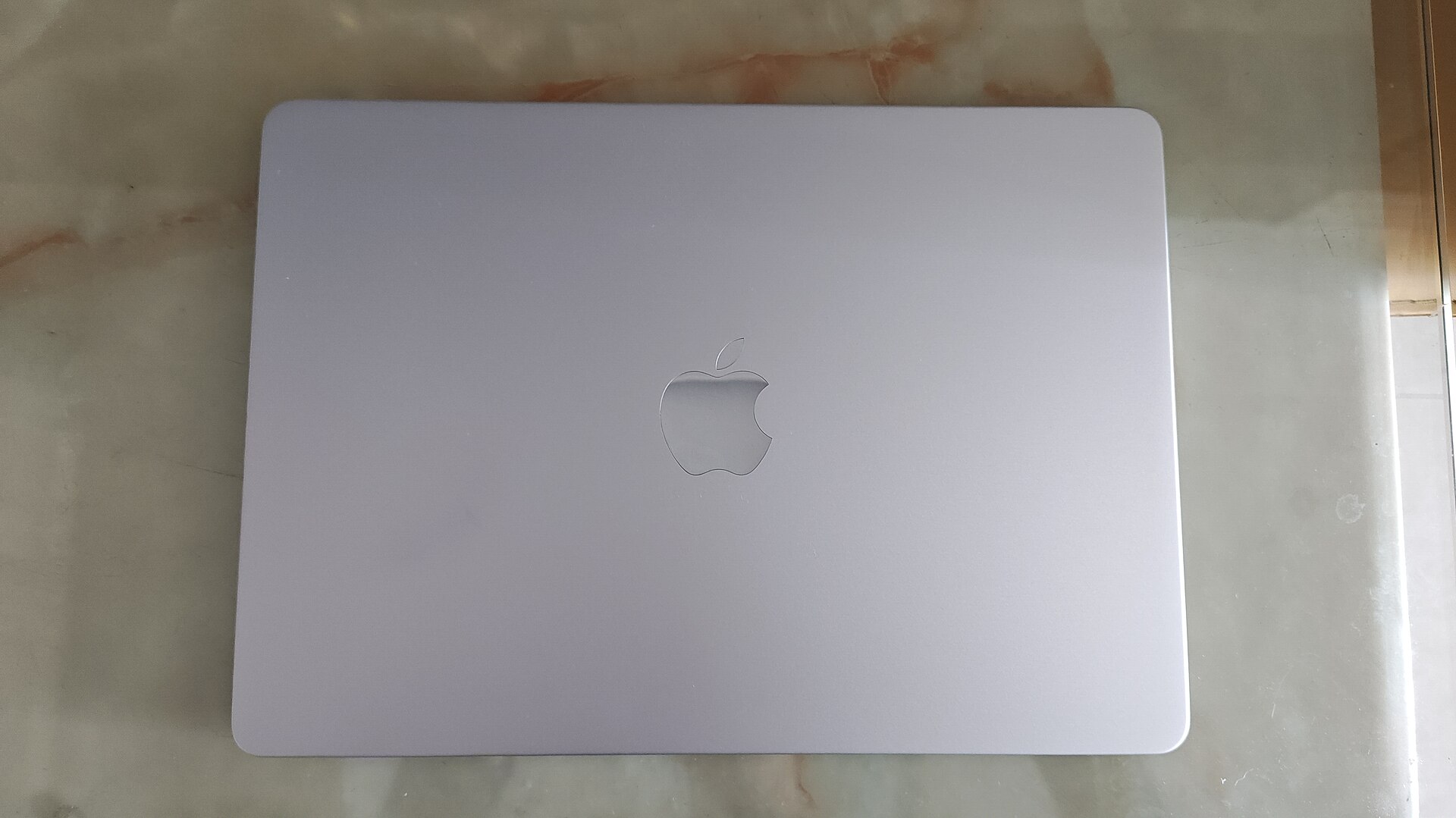
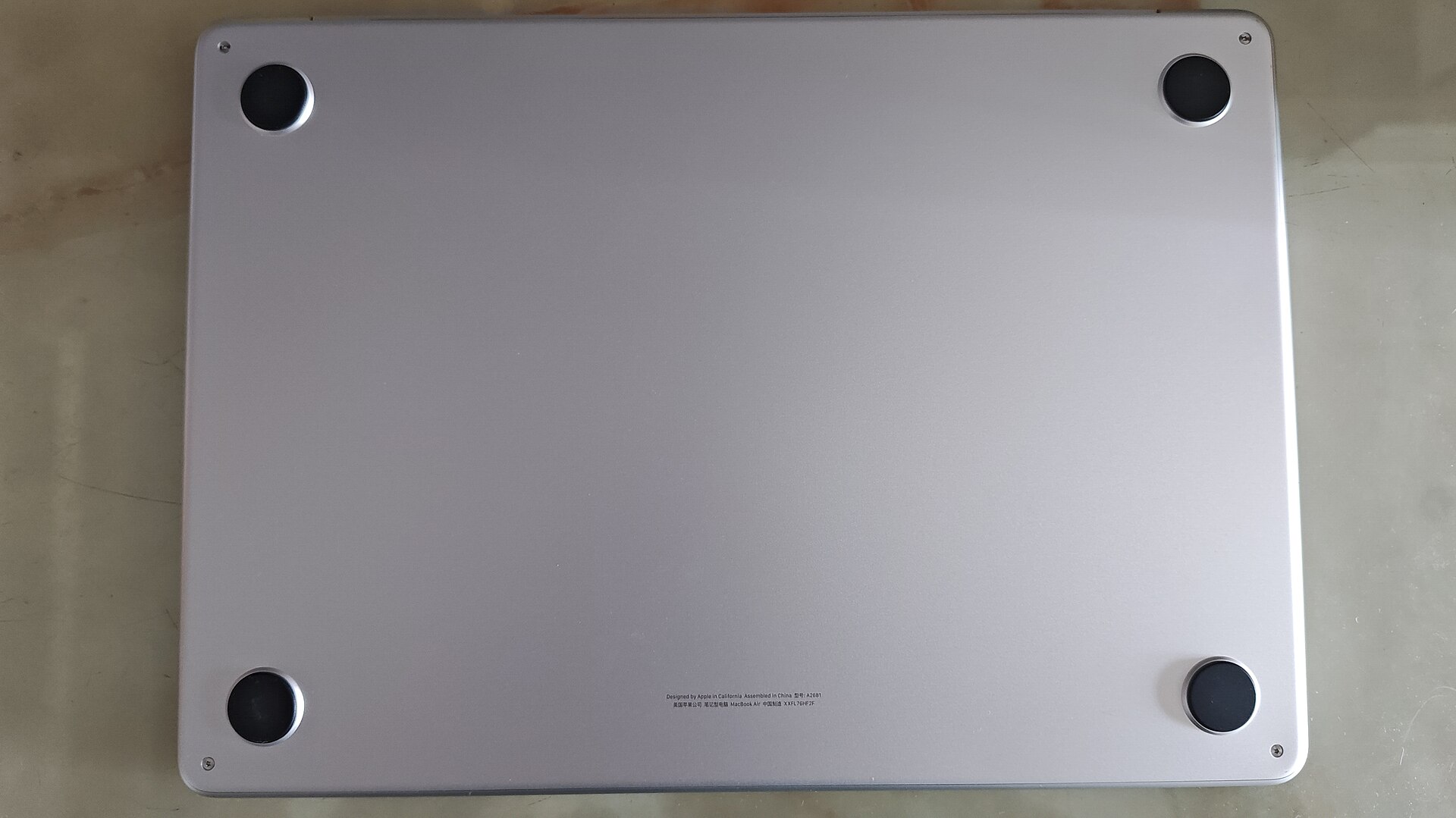
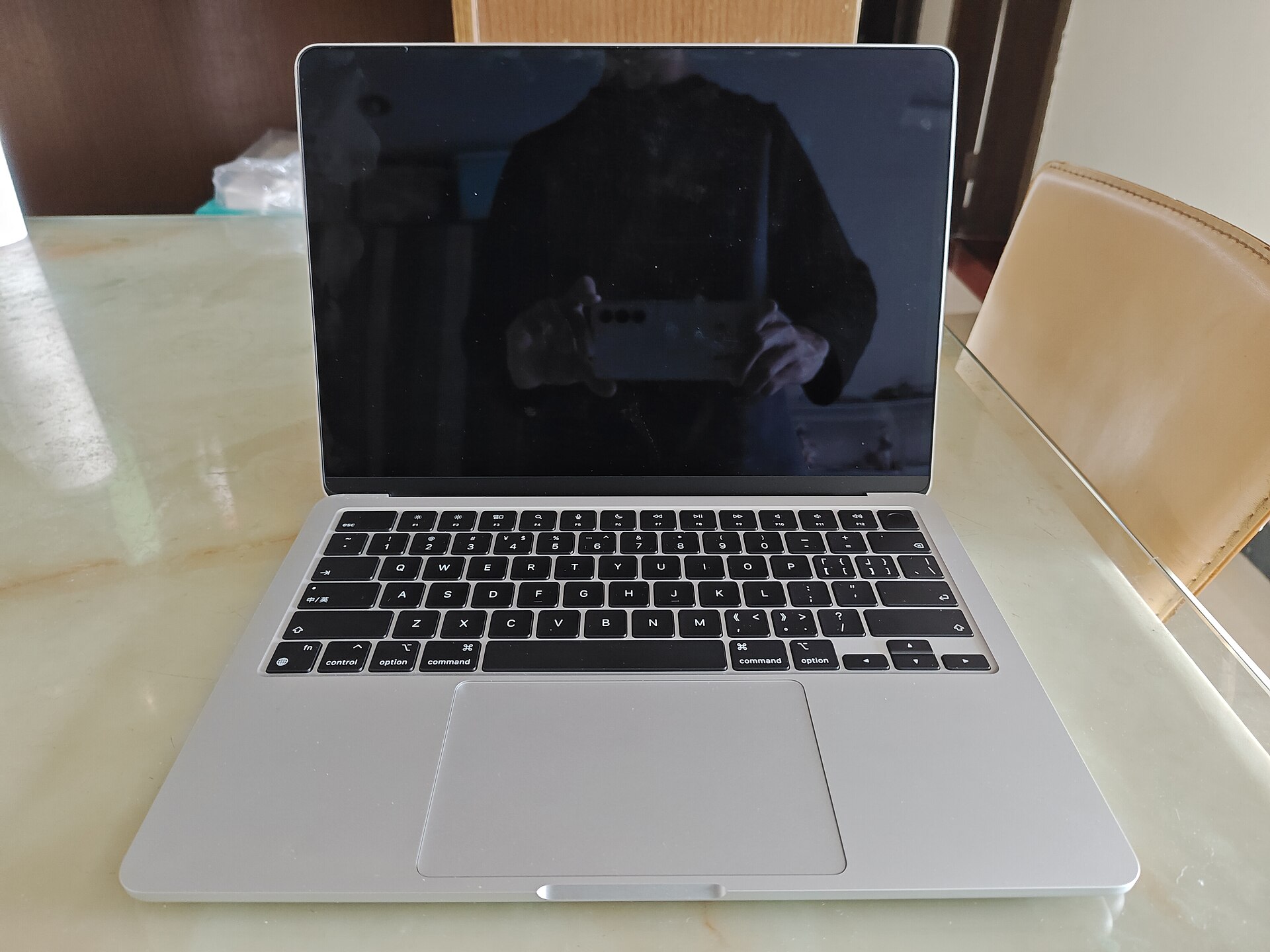
The 13.6-inch display and 1.24 kg weight put this machine in a comfortable middle ground between a cramped travel computer and a larger desk-first laptop. If you regularly compare several documents, however, think about how you will use an external monitor. This M2 model supports one native external display. Buyers who need a two-monitor arrangement should resolve that requirement before considering a discount.
MagSafe charging is a practical detail: you can power the laptop without occupying one of its two Thunderbolt / USB 4 connections. That does not eliminate the need for a hub if your desk includes legacy accessories. Count the connections you actually use, including your monitor, before deciding whether the minimal port selection is sufficient.
Choose the configuration, then judge the price
A cheap listing is only meaningful when the memory, storage, condition, and warranty are known. Treat the configuration as permanent. If your usual workflow includes many browser tabs and several applications, leave memory headroom rather than paying for a cosmetic upgrade. If you work with large local libraries, add the cost of external storage and the inconvenience of carrying it.
For a used machine, ask for battery information and confirmation that the previous owner has removed account locks and device management. A clear return policy is more valuable than an unusually low headline price. Also compare an older model with a newer alternative in the same condition: a modest saving is not always enough to compensate for age or a shorter remaining useful life.
Who should buy it?
This is a sensible candidate for students, writers, and people whose work revolves around documents, a browser, and one external monitor. It is less attractive for buyers who need many built-in connections, multiple native external displays, or a machine selected for sustained professional rendering. Those are requirements to solve first, not inconveniences to discover after checkout.
Our conclusion
The M2 Air is worth considering as a deliberately chosen everyday computer, especially when a clearly documented configuration is offered with a reassuring warranty. We would prioritize enough memory, good condition, and a straightforward return process over a small saving. Buy the laptop that fits your workday; do not buy an older model simply because the discount looks large.
Sources & image credits
Specifications reference: MacBook Air M2: manufacturer technical specifications. Consulted November 17, 2026. Buying judgments are our own editorial analysis.
Photographs are licensed separately from our article. Images are displayed proportionally without cropping or substantive edits.
M2 Macbook Air Midnight model - 1.jpg — KKPCW(Kyu3) · CC BY-SA 4.0 · via Wikimedia Commons.
MacBook Air (A2681) front.jpg — メイド理世 · CC BY-SA 4.0 · via Wikimedia Commons.
MacBook Air (A2681) rear.jpg — メイド理世 · CC BY-SA 4.0 · via Wikimedia Commons.
MacBook Air (A2681) Interface.jpg — メイド理世 · CC BY-SA 4.0 · via Wikimedia Commons.